CANVAS01 / 06
Visual Pipeline Builder
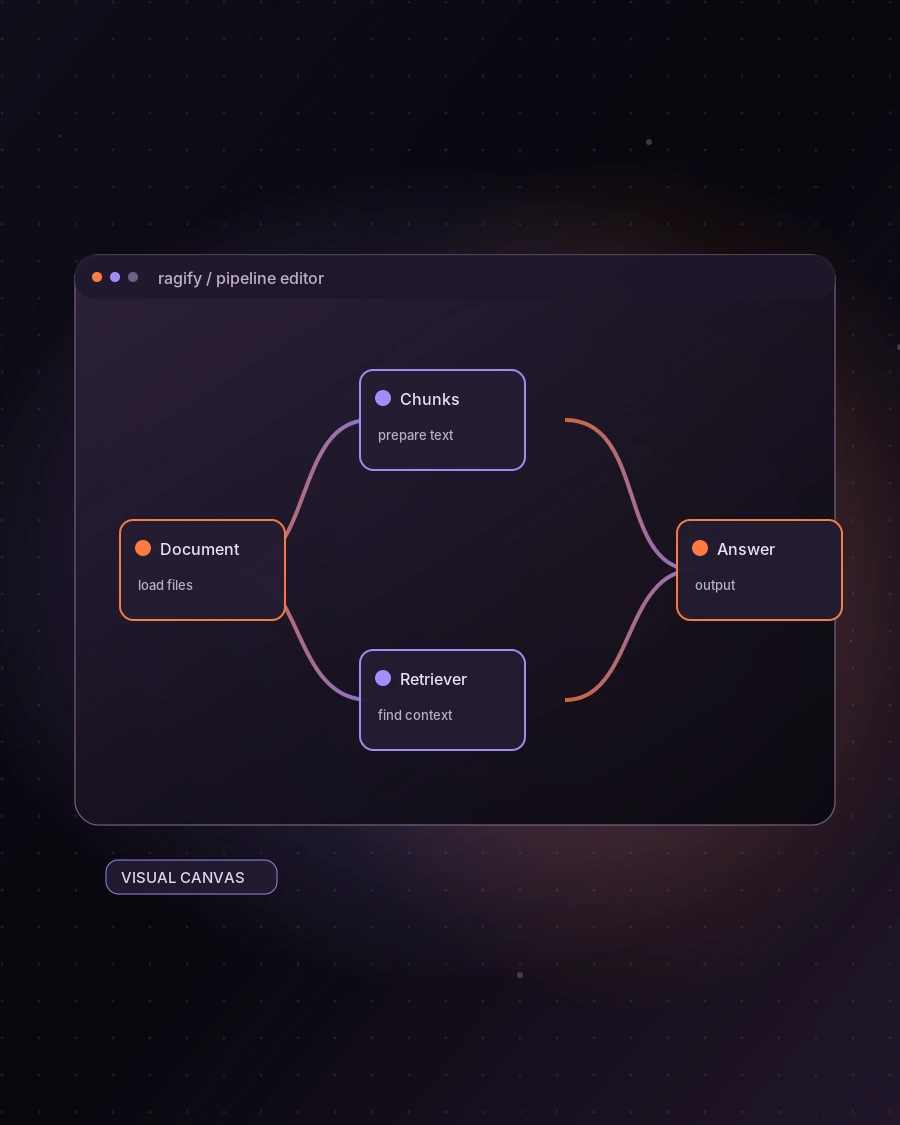
Connect document, retrieval, model, and output stages on one interactive graph.
Design, connect, configure, and validate retrieval-augmented generation pipelines in one intuitive workspace.
Ragify brings document loading, chunking, embeddings, retrieval, and answer generation intoone connected workspace.See how each stage fits together, tune the components, and understand the graph you build.
Connect document, retrieval, model, and output stages on one interactive graph.
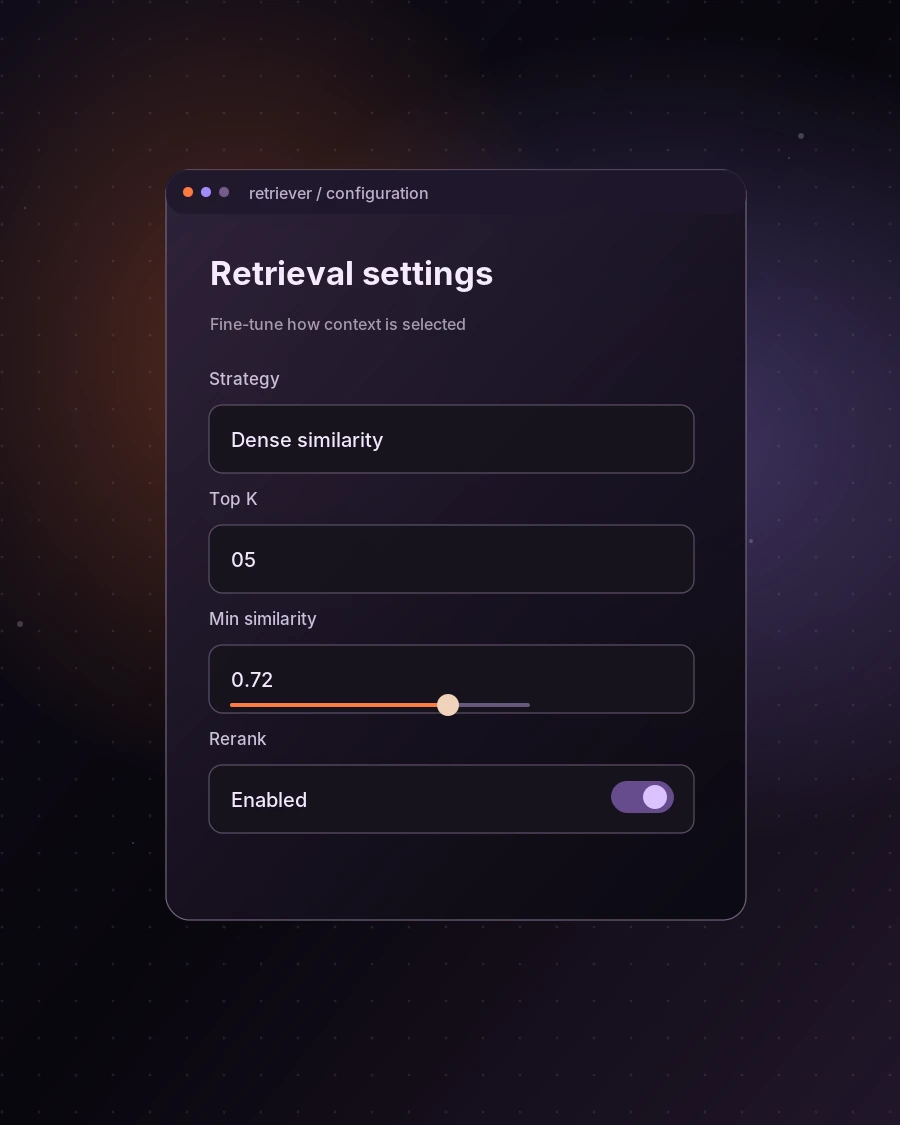
Open a node to shape its settings, from chunking to retrieval and generation.
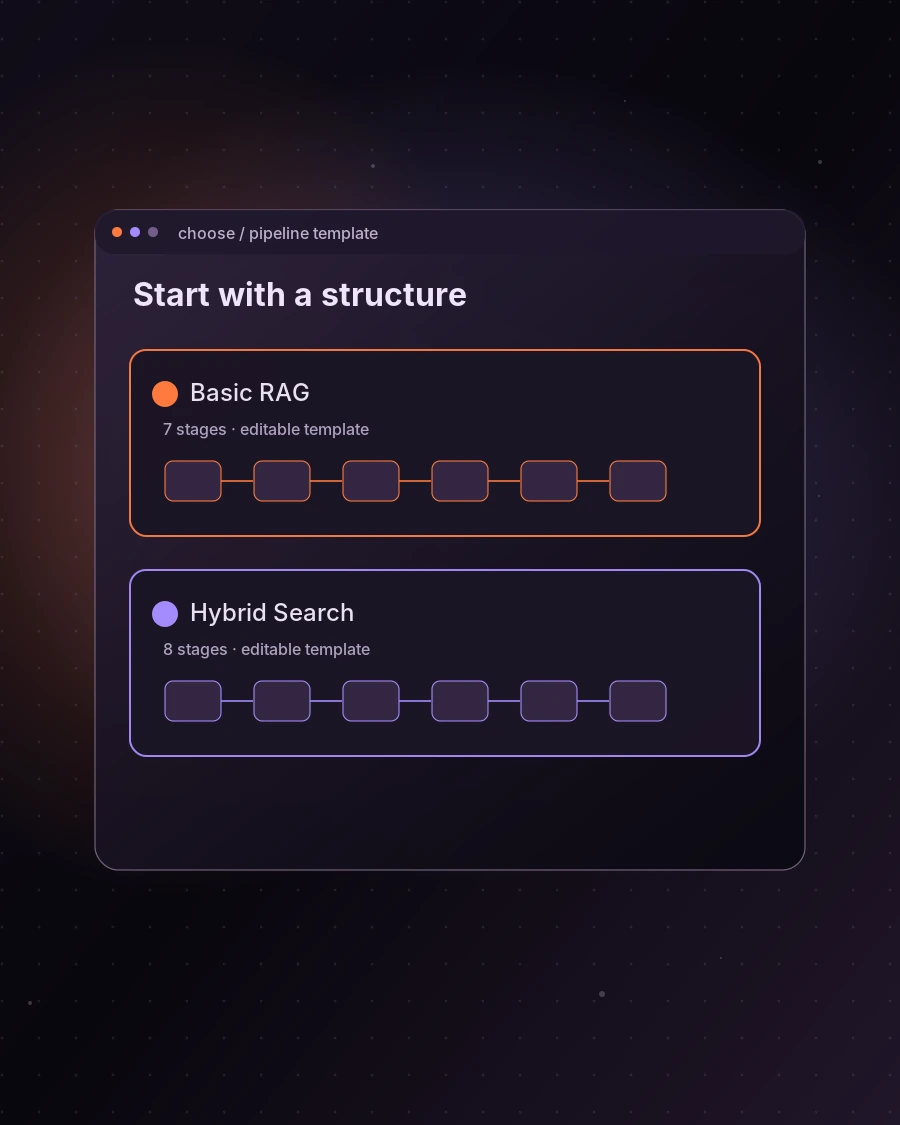
Choose Basic RAG or Hybrid Search, then make the workflow your own.
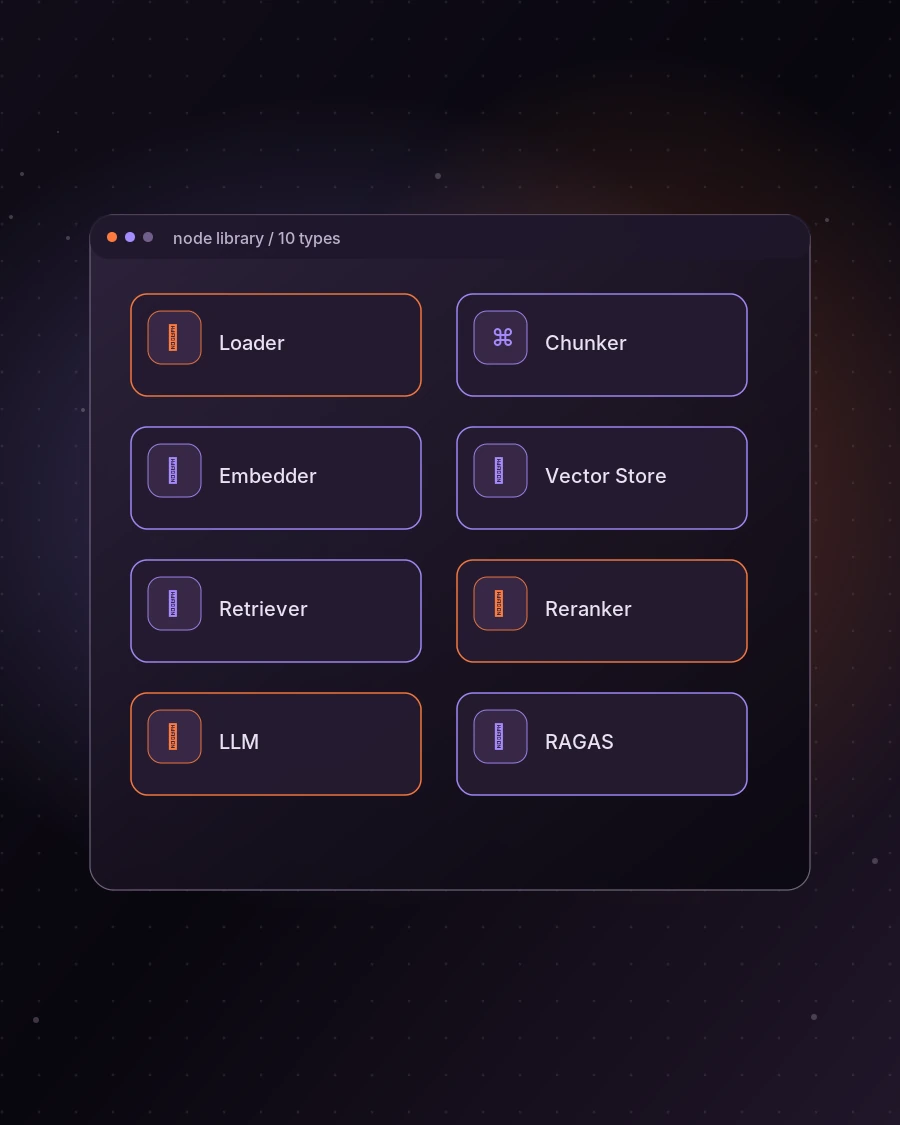
Explore loading, chunking, embedding, storage, retrieval, reranking, output, and evaluation.
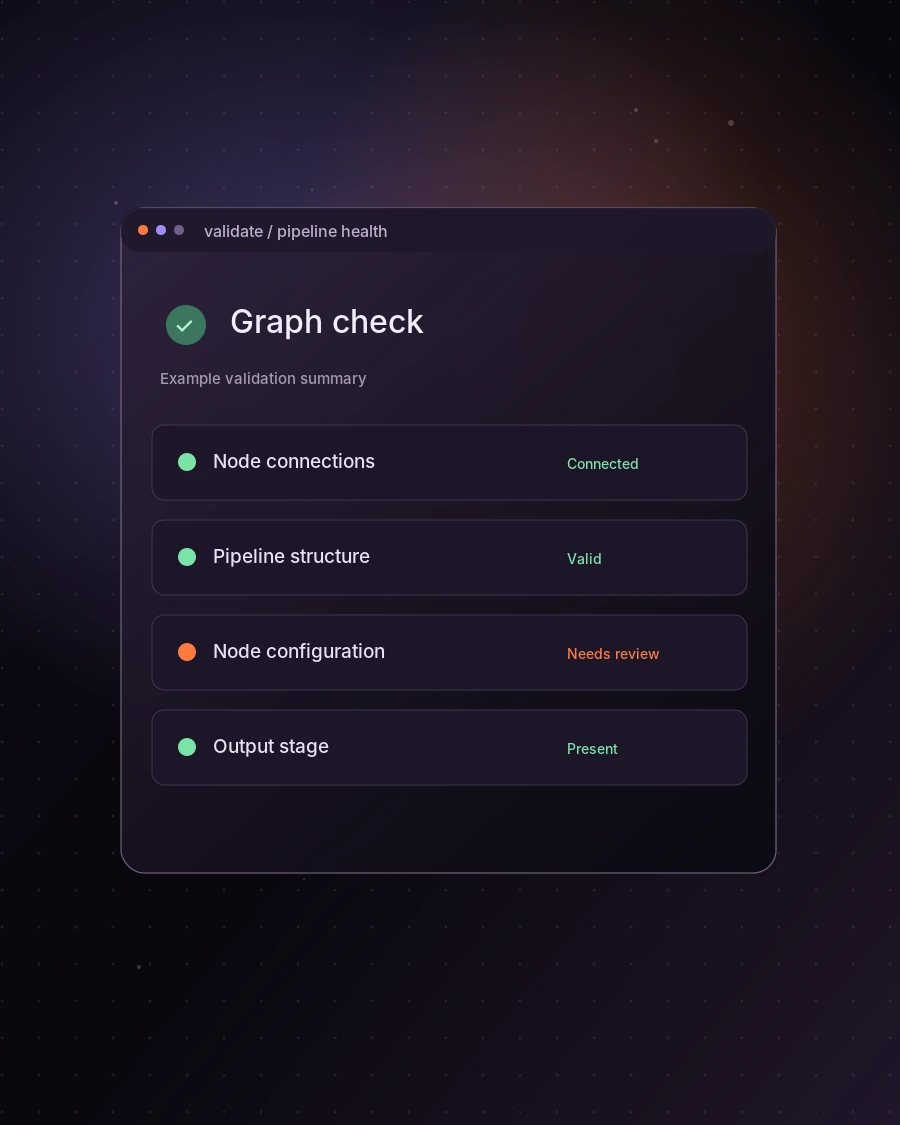
Spot incomplete connections and configuration issues before moving forward.
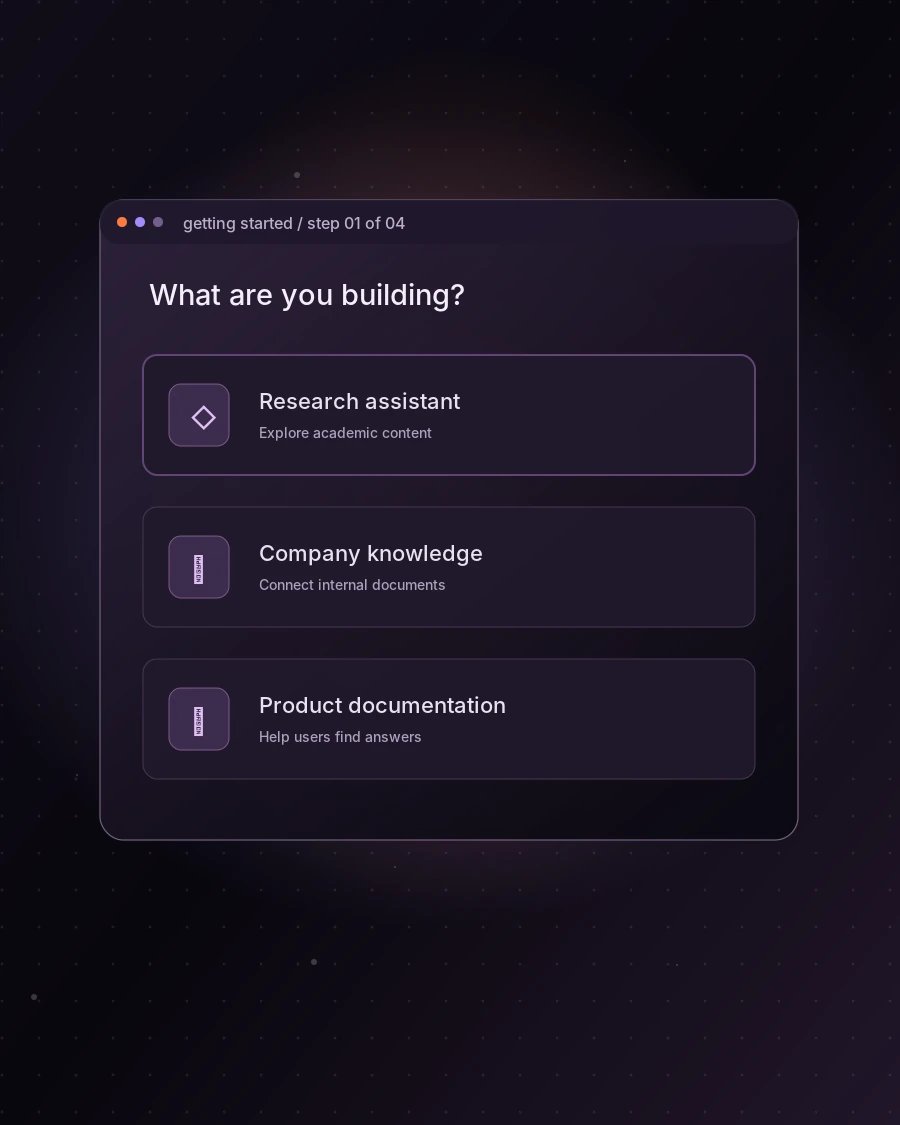
Choose your use case and arrive at an editable starter graph in a few steps.
Start with Basic RAG for a focused retrieval flow, or Hybrid Search for a richer strategy with reranking.
Arrange nodes on the canvas and set the options that shape how each stage works.
Review structural and configuration feedback, address issues, and refine the graph with more confidence.
Explore the visual foundation of Ragify and the capabilities planned for the complete platform.
Design and connect the building blocks of a RAG workflow on a visual canvas.
Adjust individual pipeline stages and review configuration feedback before moving forward.
The next phase of Ragify is designed to take visual workflows into running applications.
A few useful things to know before exploring Ragify.
Ragify is a visual environment for designing and configuring retrieval-augmented generation (RAG) pipelines. It helps you connect document processing, retrieval, and answer-generation stages in one workspace.
You can build and configure supported workflows through Ragify’s visual editor without writing the pipeline structure by hand. Familiarity with RAG concepts is still useful when choosing node settings and retrieval strategies.
A RAG pipeline prepares information, retrieves relevant context, and passes it to a language model to help produce grounded answers. Ragify represents these stages as configurable, connected nodes.
Basic RAG uses a dense retrieval stage. Ragify’s Hybrid Search template combines semantic and keyword-based retrieval and adds a reranking stage.
The editor includes Document Loader, Chunker, Embedder, Vector Store, Retriever, Hybrid Retriever, Reranker, LLM, Answer / Output, and RAGAS Evaluator nodes.
The current frontend lets you select supported document types, including PDF, DOCX, TXT, CSV, and Markdown. This is a metadata-only preview: document ingestion, processing, and storage are not yet connected to a backend.
Ragify currently provides frontend graph and configuration validation. Pipeline graphs are session-only, and backend execution and persistent saving are not available yet. A validation success does not mean the workflow has run.
External chatbot integration through deployed pipeline endpoints and API keys is part of Ragify’s planned platform. The current API Access interface is a preview; operational endpoints and keys are not available yet.
Pricing has not been finalized or announced. The cards on this page describe current frontend-preview capabilities and planned functionality, not paid subscription plans.
Start with a template, customize the steps, and bring your RAG workflow into focus.